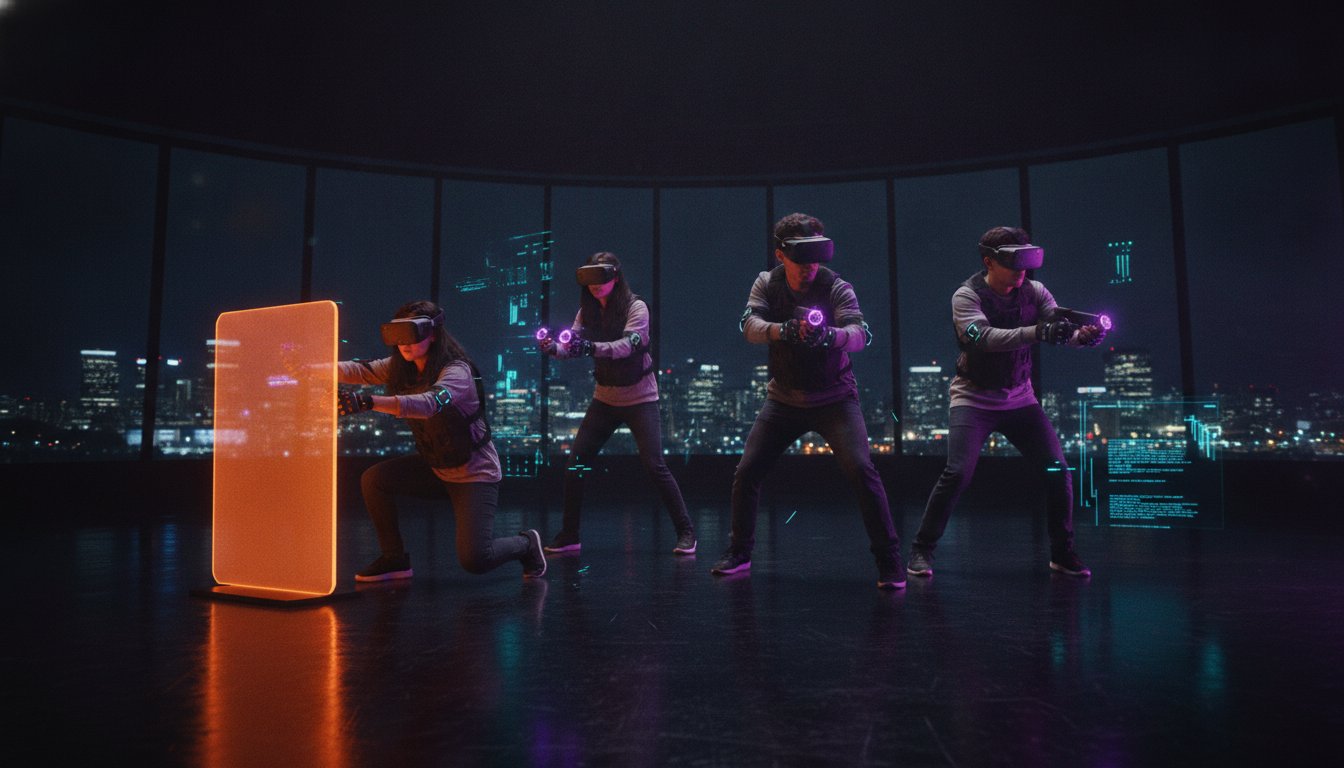
Free-roam VR for kids at CipherX is generally for ages 8 and up, and every game carries its own age guidance, so you choose titles that suit your youngest player. Headsets are wireless, so there are no cables to trip over, sessions run 30–60 minutes for up to 6 players, and staff fit each headset and brief the group before anyone starts. It runs at both CipherX Coquitlam (HeroZone) and CipherX Delta (VEX, with haptic vests).
This guide covers what free-roam VR involves, how the age guidance works, simple comfort tips for before and during a session, what parents can do to help, and how VR fits into a birthday party or family visit. It sticks to practical advice; if you have questions about your own child’s needs, check with the team before you book.
How Free-Roam VR Works at CipherX
Free-roam VR is different from a console at home. Instead of sitting with a controller, players walk around a dedicated play space wearing a wireless headset, and everyone in the group shares the same virtual world.
- Wireless headsets: no cables, so players can move freely.
- Group size: up to 6 players per session.
- Session length: 30–60 minutes, at $30–40 per person depending on the session.
- Short games: a session is made up of several shorter games, so there are natural pauses between them. Many HeroZone games at Coquitlam run 10–15 minutes each.
- Setup: staff fit each headset and run a short setup and controls briefing, so no experience is needed.
- Two libraries: Coquitlam runs HeroZone, and Delta runs VEX with haptic vests that add physical feedback, plus Spawnpoint titles.
For full game lists, see the free-roam VR page for Coquitlam and the Delta VR page.
Age Guidance: What Suits Your Child
The general guidance is 8+. Each game then lists its own age, and the simplest rule is to treat that age as the minimum for every player in the group, not an average. Here’s how it breaks down, using titles listed on the CipherX site:
| Youngest player | What to look for | Example titles |
|---|---|---|
| Under 8 | Family titles only, with adult supervision; ask the team first | The Smurfs and Arctic Olympics at Delta |
| 8–9 | All-ages and family titles | Space Academy and Party Playland at Delta; Plush Rush and Cook’d Up at Coquitlam |
| 10–11 | Add titles listed for 10+ | Kraken Island, Pixel Hack and Hunter VR at Delta |
| 12 and up | Add titles listed for 12+, including player-versus-player games | Recoil, Cyber Clash and B-Block Breakout at Delta |
| Older teens and adults | Horror titles | Don’t Scream and Mansion of Death |
Horror titles such as Don’t Scream and Mansion of Death are for older teens and adults, so leave them off any list with younger kids, even if an older sibling is keen. The VR page also notes that players under 10 must be accompanied by an adult in the arena. Staff always advise on games for your group’s ages, so ask when you book. For a deeper look at the Delta library, see our guide to VEX VR games by age and genre.
Before the Session: Comfort Tips
A little preparation makes the first few minutes in a headset feel easy.
- Talk it through. Explain that the headset shows a different world, but they’re still in a real room with their family or friends, and they can stop at any time.
- Agree on a stop signal. Tell your child that saying “I need a break” to staff is always fine, and that sitting out one game is no big deal.
- Dress for movement. Comfortable clothes and closed-toe shoes work best; the Delta VR page asks guests to skip flip-flops and heels.
- Tie back long hair so the headset sits comfortably.
- Mention glasses. If your child wears glasses, tell the team at check-in so they know before the headset goes on.
- Go light on food. A small snack beforehand beats a big meal right before playing.
- Sign waivers online before the visit and arrive about 10–15 minutes early, so the fitting and briefing aren’t rushed.
During the Session: Taking Breaks and Speaking Up
Most of the comfort in VR comes from a few simple habits.
- Listen to the briefing. Staff explain the controls and how the session works before the headsets go on. Make sure every child is paying attention.
- Start gentle. Open with a calmer, all-ages game so first-timers can get used to walking around in VR before anything faster.
- Use the gaps between games. A session is several shorter games, so the pause between titles is a natural moment to take the headset off, have a drink of water or sit one out.
- Tell staff if you feel unwell or uncomfortable. Dizzy, too warm, a bit scared or just not enjoying it, the answer is the same: say so. Staff can pause the session or help your child take the headset off.
- Follow staff instructions. The team running the session is there to help, so check with them if anything feels unclear.
- Don’t push it. If a child wants to stop, let them stop. They can cheer on the others and jump back in for the next game if they feel like it.
What Parents Can Do
- Stay with younger players. Kids’ activities at CipherX are family play with a parent or adult present, and family titles for younger players are meant to be played with adult supervision.
- Choose the game list together. Set the list by the youngest player’s age, then let the kids pick favourites from within it.
- Know your child. If they scare easily, avoid anything with a zombie or horror label and ask staff to describe a game before you commit to it.
- Play along. A parent in the group can be reassuring for a first-timer, and it’s a fun way to play together.
- Keep it short the first time. A 30-minute session is a good trial run for younger or nervous kids.
VR Birthday Parties and Group Visits
The VR Party (Pack B) on the birthday party page is $250 flat for 6 kids aged 8+, with 1 hour of free-roam VR, 4 games of your choice and an hour in a private party room. Because VR runs a maximum of 6 headsets, bigger parties add VR with kids rotating through. Our VR birthday party guide covers the package in detail.
- Example math, 10 kids: Pack D (The Crew) is $400 flat for 10 kids with X-Grid, an escape room or the splatter room, plus a 30-minute free-roam VR add-on at $150: $400 + $150 = $550.
- Example math, family visit: four players at $30–40 per person comes to 4 × $30 = $120 up to 4 × $40 = $160, depending on the session.
Frequently Asked Questions
What age can kids do free-roam VR at CipherX?
Free-roam VR is generally for ages 8 and up, and each game carries its own age guidance. Family titles such as The Smurfs and Arctic Olympics suit younger players with adult supervision, while horror titles are for older teens and adults.
Are the VR headsets wireless?
Yes. CipherX uses wireless headsets with no cables, so players walk freely around the play space. Up to 6 players share each session.
What should my child do if they feel unwell during VR?
Tell staff straight away. They can pause the session or help your child take the headset off, and sitting out a game or two is completely fine. Taking breaks between games also helps.
Can my child wear glasses in VR?
Mention glasses to the team at check-in so they know before the headset is fitted. Staff fit every headset and brief the group before play starts.
How long is a free-roam VR session?
Sessions run 30–60 minutes for up to 6 players at $30–40 per person. A 30-minute session is a good first try for younger or nervous kids.
Ready for a first session? Book free-roam VR online at either location, and ask the team to suggest games for your youngest player: Coquitlam (604) 492-0165, Delta (604) 591-6544.